Essentials
The marks you reach for.
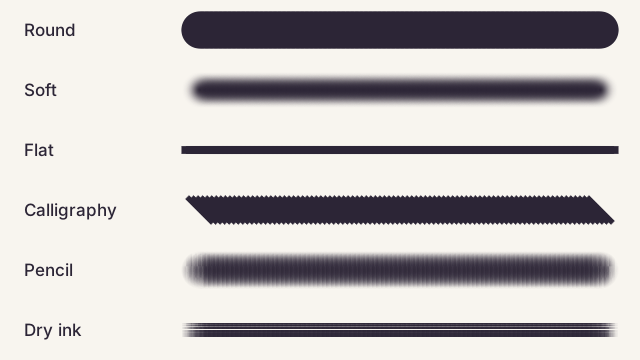
- Round
- Soft
- Flat
- Calligraphy
- Pencil
- Dry ink
- Square

Made for Pixel
13 original brush tips. Yours to paint with, change, and share.
Original Omadesign artwork · CC0 · Free for personal and commercial work
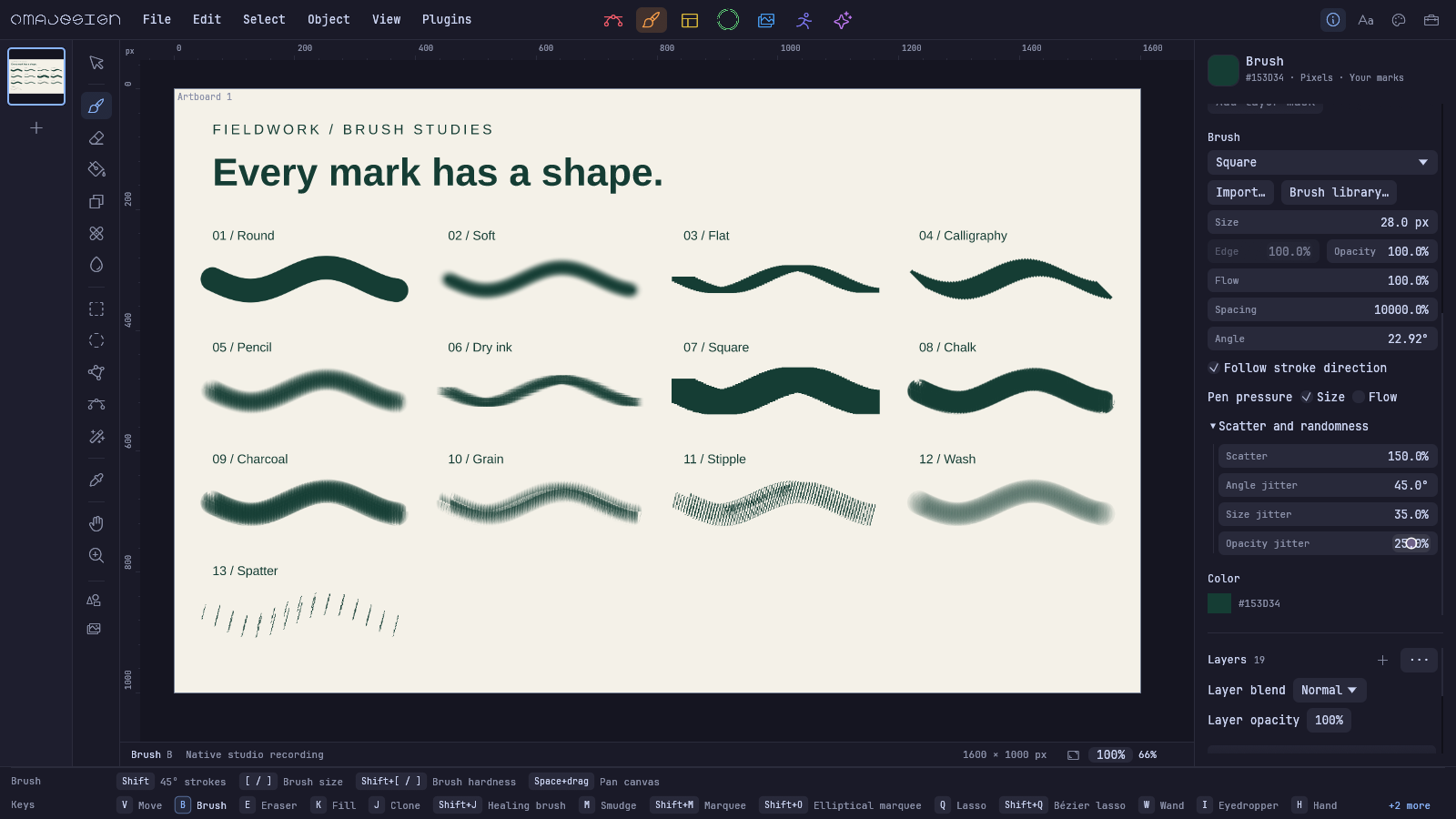
The marks you reach for.
Let the surface show.
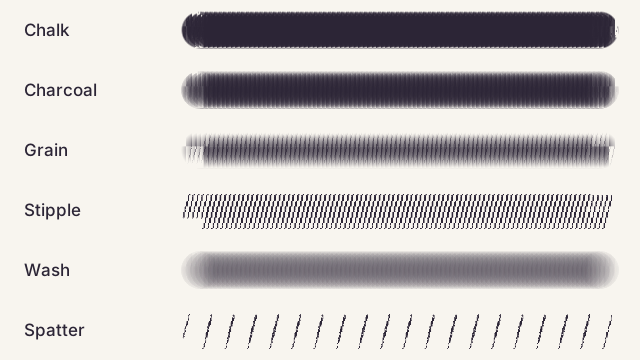
In Pixel, choose Brush → Import. Pick a Photoshop ABR, Illustrator library, Omadesign pack, PNG, or SVG. Your source stays yours. Imported packs stay on your computer.
Make a tip from a transparent image or dark artwork on white. Rotate the tip, follow your stroke, and vary scatter, angle, size, and opacity. Spacing reaches 10,000%. Pen pressure can control size and flow. Save your settings or export a pack to share.
Brush packs are included in Omadesign 0.6.7-nightly.20261016.0001. Download the Linux package for your computer, extract it, and open omadesign.
Photoshop ABR versions 1, 2, 6, 7, and 10: sampled 8/16-bit tips, raw or PackBits compression. Names and spacing come from descriptors when available. Photoshop dynamics, textures, tool presets, pressure, and scattering are not reproduced.
Illustrator art and pattern libraries become sampled tips, including private libraries stored with zlib or Zstandard compression. Unsupported libraries can use expanded SVG artwork. Art, pattern, and bristle behavior is not preserved as editable vector strokes.
Respect the license of any third-party brushes you import or share. Original pack license.